It's 9:14pm on a Sunday and your phone buzzes. A customer wants to know if you do Saturday appointments. Two-minute answer. You type it out, hit send, and feel good about it — until the same person texts you at 10pm next Tuesday, then 8am Saturday, then your wife asks why you're on your phone during dinner again.
The problem isn't that you replied once. The problem is that you replied once, didn't reply twice, and replied again the third time. You've trained that customer to keep checking. Here's how to fix it without going cold.
Why "sometimes" is worse than "never"
If you answered every text within five minutes 24/7, customers would expect that and you'd be miserable but consistent. If you never answered after 6pm, customers would learn that and stop trying. The worst spot is the middle — answering sometimes, ignoring others. That's the pattern that keeps people pulling the lever.
So the goal isn't to be more responsive or less responsive. The goal is to be predictable. And the cheapest way to be predictable is to let a machine answer the first message every time, the same way, the moment it arrives.
What "answering" actually means after hours
When a customer calls or texts at 9pm, they're not really asking for an answer at 9pm. They're asking for three things:
- Confirmation you got the message
- A sense of when they'll hear back
- A way to flag if it's actually urgent
If an automated reply hits those three points in the first 10 seconds, most people put the phone down and wait until morning. They don't feel ignored. They feel handled.
The two pieces you need to set up
There are really only two channels to cover: the voicemail greeting for calls, and the text auto-reply for messages. Both should say roughly the same thing in the same tone.
After-hours voicemail greeting
Keep it under 20 seconds. Longer than that and people hang up before the beep.
"Hi, you've reached Maple Street Plumbing. We're closed right now — our hours are Monday through Friday, 8 to 5. Leave your name, number, and what's going on, and we'll call you back first thing in the morning. If this is a water emergency, press 1 to reach our on-call tech."
Three things that greeting does well: it states the hours out loud (so customers learn them), it promises a specific next step ("first thing in the morning"), and it gives an escape hatch for actual emergencies so you're not getting non-emergency calls routed to your cell.
After-hours text auto-reply
Shorter than the voicemail. Customers are reading on a small screen.
"Thanks for reaching out to Maple Street Plumbing! We're closed for the night. We'll get back to you by 9am tomorrow. For a water emergency, call (555) 123-4567 and press 1."
Notice what's missing: an apology, a long explanation, marketing copy, an emoji explosion. The customer knows you got the message. They know when they'll hear back. They know what to do if the basement is actually flooding. Done.
How to actually turn this on
If you're running a business line through a modern phone service, both of these are toggles in a settings page, not a tech project. You set business hours once. You write the greeting once. You write the text reply once. After that it runs itself.
A few practical notes from setting these up for owners:
- Set your hours honestly. If you actually take calls until 6, say 6. Don't say 5 and then answer at 5:45 — you're back to the slot machine.
- Include the day of the week. "We're closed for the weekend, back Monday at 8" sets a clearer expectation than "We're closed right now."
- Test it on your own phone. Call your business line from your cell after hours. Text it. If the auto-reply takes more than a few seconds, fix that before a customer experiences it.
- Update it for holidays. Thanksgiving week, Christmas week, the random Tuesday you're closed for a wedding. A 30-second update keeps the trust.
What about your employees' cell phones?
This is where most small shops trip up. The owner sets up a nice voicemail. But the front-desk person also gave a customer her cell number two months ago, and now that customer is texting her personal phone at 9pm. The auto-reply doesn't fire because the message never hit the business line.
Fix: route customer calls and texts through a shared business number that rings on everyone's cell, not through personal numbers. When the business line is the only number customers have, the after-hours rules actually apply to every message. We've also written about keeping a business number separate without buying a second phone if you're starting from a personal cell.
What about the customer who really does need you?
The "press 1 for emergencies" line in the greeting handles this, but you have to mean it. If you set up an emergency option, that option has to actually reach someone. Otherwise it's a worse version of nothing. If you're trying to cover every call without adding a person to payroll, we broke down the whole stack — auto-attendants, forwarding, voicemail-to-text — in a guide on covering every call cheaply.
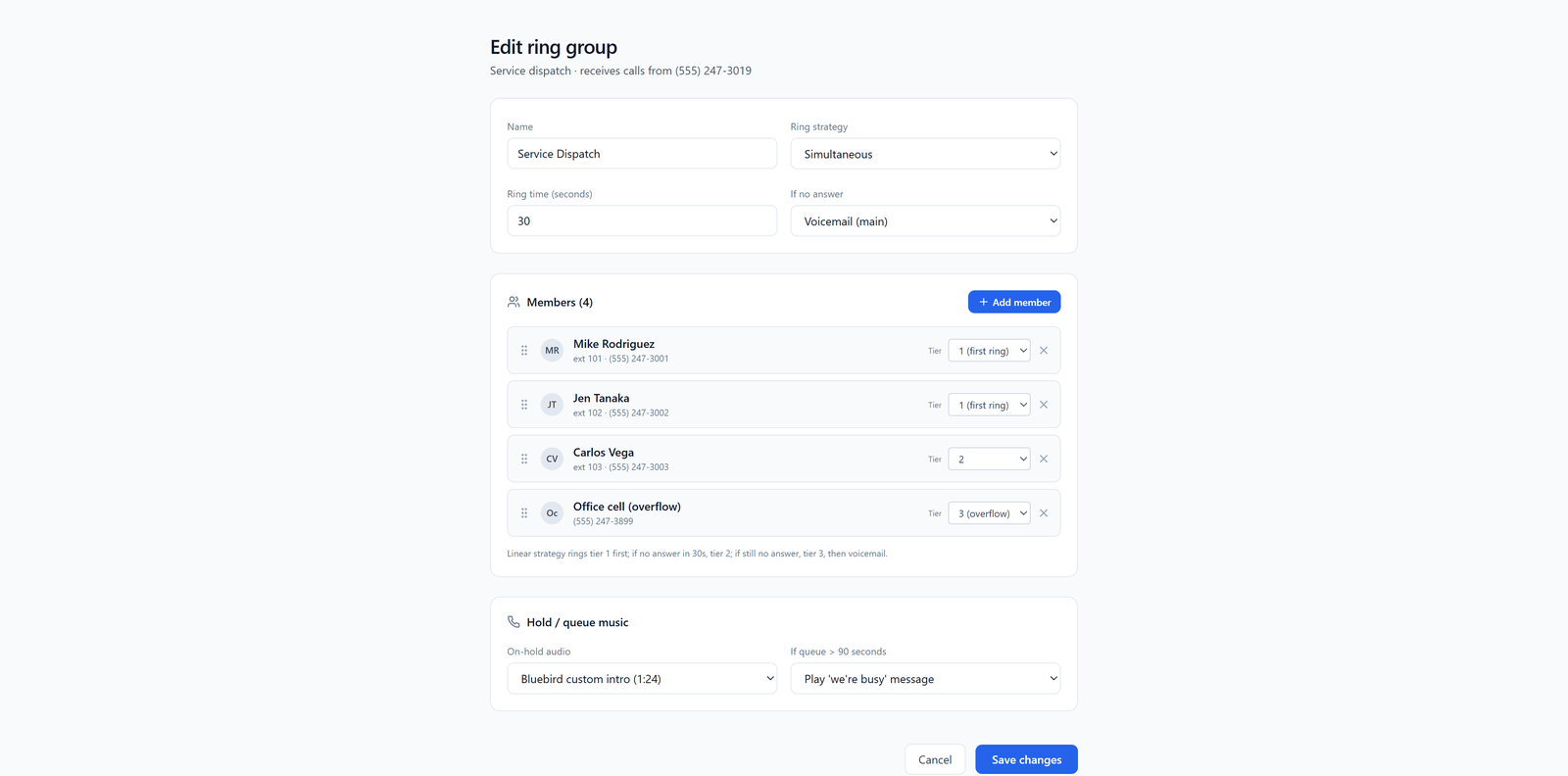
For a plumber or HVAC business, that's usually a ring group — one of the on-call techs rotates, the emergency line rings their cell, the rest of the staff sleeps. For a salon or agency, you probably don't need an emergency option at all. "We'll respond tomorrow morning" is the right answer for a haircut question at 10pm. If you want the specifics on wiring one number to a whole team's cell phones so the first available person picks up, see how to route one number to 50 employee cells.
The first week is the hardest
When you flip this on, you will get the urge to reply to a friendly customer at 8pm because you saw the message and it'll only take a second. Don't. That one reply is the one that resets the training. The auto-reply already did the job — let it.
After about two weeks, you'll notice something: fewer after-hours messages overall. Customers learn the pattern quickly when the pattern is consistent. The 9pm texts drift to 8am texts. Your evenings come back.
If you also want to handle missed calls during the day with an instant text-back, we wrote about that separately in missed-call auto-text for leads and same-minute responses to after-hours calls. Same idea, different time of day.
What to do next
Block 30 minutes this week. Write the voicemail script. Write the text auto-reply. Set your business hours. Test both from your own cell. Tell your staff the rule: nobody replies from a personal number after hours, ever.
That's the whole project. The cold feeling you're worried about isn't from the customer not getting an answer at 9pm — it's from getting silence at 9pm. An auto-reply isn't silence. It's an answer. And it's the answer that stops training people to text you on Sunday.